
Dell Vostro 15 3000 Series Laptop Quick Start Guide
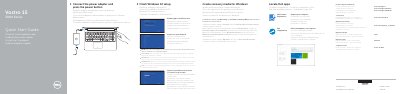
This Quick Start Guide provides initial setup steps for the Dell Vostro 15-3565 laptop, including connecting the power adapter, completing Windows 10 setup, connecting to a network, signing in to a Microsoft account, and creating recovery media.
It also identifies the laptop's features, such as the camera, USB ports, VGA and network connectors, and lists shortcut keys for audio, volume, display brightness, wireless, and other functions.
Connect the power adapter and press the power button.
In Windows search, type Recovery, click Create a recovery drive, and follow the instructions on the screen.
The Owner's Manual is available at Dell.com/support/manuals.
The regulatory model is P47F.