
Dell Precision Mobile Workstation 7000 Series Quick Start Guide
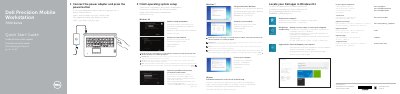
This guide helps you set up your Dell Precision -7710 mobile workstation. It covers connecting power, completing OS setup, connecting to networks, signing in to Microsoft or local accounts, and locating Dell apps in Windows 8.1. It also lists hardware features including ports, sensors, and optional components like fingerprint readers and cameras.
For detailed support, refer to the Owner's Manual at dell.com/support/manuals.
Connect the power adapter and press the power button.
Enter the password for the wireless network access when prompted.
The camera is optional.
The computer model is Dell Precision -7710.