
The Dell S5840cdn Laser Printer User Guide describes the features and specifications of the printer.
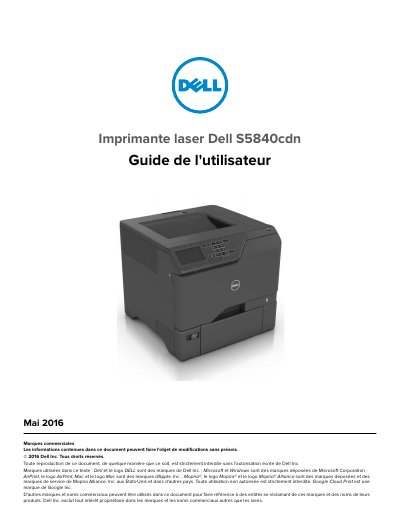
This user guide covers the Dell S5840cdn laser printer, including safety guidelines, printer placement, cable connections, and control panel operation. It explains how to load paper and special media, print from computers and mobile devices, manage confidential jobs, and use network printing.
The guide also includes maintenance steps, cleaning instructions, supply ordering, part replacement, printer relocation, energy saving, recycling, paper jam clearing, and troubleshooting for network, hardware, paper loading, printing, and color quality issues. This manual is written in French.
The printer weighs more than 18 kg (40 lb), so at least two people are needed to lift it safely.
No. The lithium battery is not intended to be replaced, and incorrect placement creates an explosion risk.
Yes. The product uses a laser, and using commands or procedures other than those specified may create laser radiation exposure risks.