
The Dell laptop quick start guide introduces how to connect the power adapter, turn on the computer, finish Windows setup, enable security and updates, sign in to your Microsoft account or create a local account, connect to your network, and explore the redesigned Start screen.
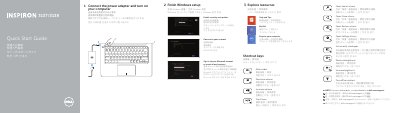
The Dell Inspiron 3137/3138 Quick Start Guide provides essential instructions for setting up the computer, including connecting the power adapter and completing the Windows setup process.
It includes a detailed map of the laptop's hardware features, such as ports, buttons, and indicator lights, as well as a list of common shortcut keys for audio, brightness, and system charms.
Connect the power adapter and turn on your computer.
Connect the power adapter and turn on your computer.
It has 2 digital microphones.
Item 15 is the HDMI port.