
The Dell™ Precision™ M6500 Workstation Service Manual provides information on how to operate and maintain your Dell™ Precision™ M6500 Workstation.
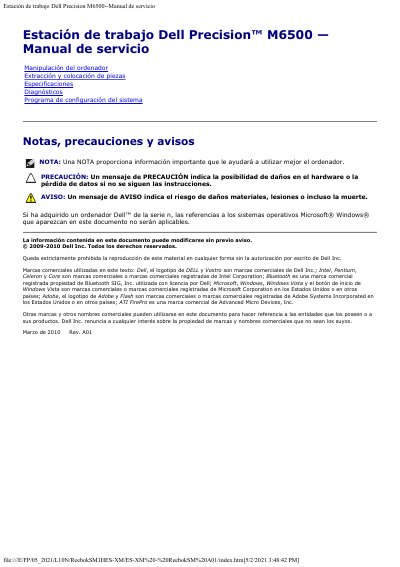
This service manual is for the Dell Precision M6500 workstation. It covers handling the computer, removing and replacing parts, specifications, diagnostics, and the system setup program, with notes, cautions, and warnings.
The parts section includes procedures for components such as the battery, hard drive, memory, camera, processor, system board, keyboard, display assembly, and video-card assembly. The document is dated March 2010, Rev. A01, and includes a 2009-2010 Dell Inc. copyright notice. This manual is written in Spanish.
| Chipset | Mobile Intel PM55 |
|---|---|
| Data bus width | 64 bits |
| DRAM bus width | 64 bits, dual-channel |
| Graphics bus | PCI-Express x16, Gen 2 capable |
| External bus frequency | 1,333 MHz |
| Flash EPROM | 32 Mbits SPI |
| PCI bus | 32 bits at 33 MHz |
It uses the Mobile Intel PM55 chipset.
The external bus frequency is 1,333 MHz.
The main battery must be removed before repairing the computer.