
Dell™ P170S/P190S Flat Panel Monitor User's Guide
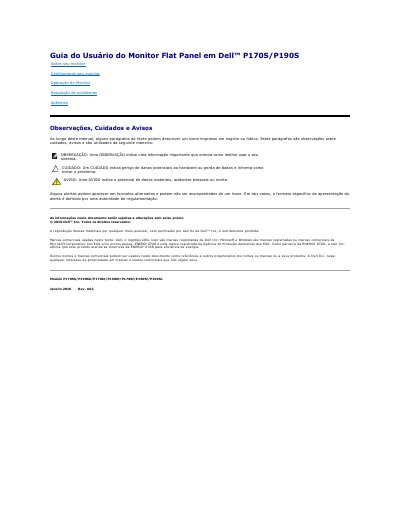
This is the Dell user's guide for the P170S/P190S flat panel monitor (listed models P170Sb/P190Sb/P170St/P190St/P170Sf/P190Sf/P190Sc, Rev. A02, January 2010). It describes the package contents, product features, front, rear and side views with the control buttons, and the cable connectors on the back of the monitor.
The guide also gives the monitor specifications: screen type and size, pixel pitch, viewing angle, luminance, contrast ratio, response time, color depth, scanning ranges, preset display modes, VGA and DVI pin assignments, USB interface data, electrical input ratings, physical dimensions and power management modes. This manual is written in Portuguese.
| Screen size (P170S) | 17 inches (432 mm) visible display area, measured diagonally |
|---|---|
| Screen size (P190S) | 19 inches (481.9 mm) visible display area, measured diagonally |
| Resolution (P170S/P190S) | 1280 x 1024 at 60 Hz maximum preset |
| Panel type | Active matrix TFT LCD, TN panel |
| Pixel pitch (P170S) | 0.264 mm |
| Viewing angle | 160 degrees vertical (typical) |
| Luminance output | 250 cd/m² (typical) |
| Contrast ratio | 800:1 (typical) |
| Response time | 5 ms panel (typical) |
| Color depth | 16.7 million colors |
| Horizontal scan range | 30 kHz to 81 kHz (automatic) |
| Vertical scan range | 56 Hz to 76 Hz (automatic) |
| Power consumption (P170S) | 50 W maximum, 22 W typical |
| Power consumption (P190S) | 53 W maximum, 25 W typical |
| Input voltage / frequency / current | 100 to 240 VAC / 50-60 Hz + 3 Hz / 1.5 A max. |
| USB interface | USB 2.0 high-speed certified, one upstream and four downstream ports |
| VESA mounting holes | 100 mm |
The highest preset resolution is 1280 x 1024 at 60 Hz.
Yes, it has 100 mm VESA mounting holes and a removable stand.
The monitor automatically reduces power consumption when it is not in use, and turns back on when the computer detects keyboard, mouse or other device input.
53 W maximum and 25 W typical in normal operation, and less than 1 W in active-off and off modes.