
The Dell Storage NX430 Network Attached Storage System Setup Guide provides instructions on how to set up and configure the Dell Storage NX430 Network Attached Storage System.
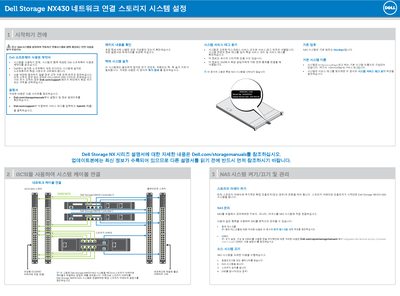
This guide explains how to prepare and set up the Dell Storage NX430 network attached storage system. It covers checking package contents, rack installation requirements, finding the service tag, connecting storage arrays and enclosures, and powering the NAS system on and off.
It also covers initial configuration on Windows Storage Server 2012, changing the default password and language, remote desktop access, and monitoring the system with Dell OpenManage Server Administrator on secure port 1311. This manual is written in Korean.
| Default password | Stor@ge! |
|---|---|
| Default system name | D |
| OpenManage Server Administrator secure port | 1311 |
| Operating system | Windows Storage Server 2012 |
The default password is Stor@ge!.
The default system name is D
Connect to the NAS system secure port 1311, for example by entering https://D