
Dell Inspiron 15 3000 Series Laptop Quick Start Guide
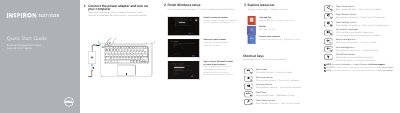
This guide from Dell gives quick start instructions for the Inspiron 3137/3138 computer. It covers connecting the power adapter, turning on the computer, finishing Windows setup, connecting to a network, and finding support and regulatory resources.
It also describes keyboard shortcut functions and identifies features including the camera, digital microphones, security-cable slot, network port, USB ports, media-card reader, headset port, HDMI port, power-adapter port, power button, and labels. The content is presented in English, Indonesian, and Spanish.
| Computer model | Inspiron 3137/3138 |
|---|---|
| Regulatory model and type | P19T; P19T001/P19T003 |
| USB 3.0 port | 1 |
| HDMI port | 1 |
| Digital microphones | 2 |
The computer model is Inspiron 3137/3138.
Dell lists dell.com/support and dell.com/support/manuals.
It lists enabling security and updates and signing in to a Microsoft account or creating a local account.