
Dell PowerVault 136T Tape Library Quick Start Guide
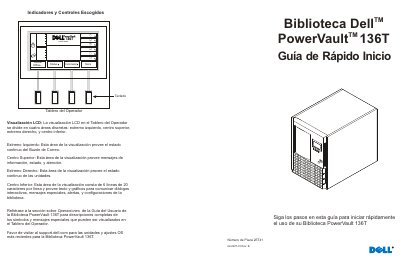
This quick start guide covers the Dell PowerVault 136T tape library. It describes the operator panel indicators and controls, the four areas of the LCD display, and the installation of drive modules into empty drive bays.
The guide also explains how to connect the drive modules and SCSI cabling, install the SCSI terminator, load tape cartridges, and power on the library, with a reference to the Fibre Channel Bridge guide and support.dell.com for the latest drives and OS settings. This manual is written in Spanish.
| LCD display | 4 discrete areas; lower center area has 6 lines of 20 characters per line |
|---|
The LCD is divided into four discrete areas: the left end shows mailbox status, the upper center shows information, status and attention messages, the right end shows drive status, and the lower center provides interactive dialogs, special messages, alerts, and library settings.
Starting with the bottom bay, install the drive module(s) into the empty drive bay(s) and tighten the screws on the module(s).
Visit support.dell.com for the most recent drives and OS settings for the PowerVault 136T library.