
The Dell Precision 3510 Quick Start Guide provides information on how to use the Dell Precision 3510 laptop.
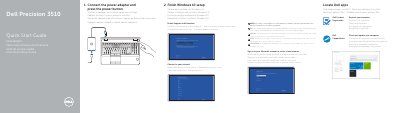
This multilingual Quick Start Guide is for the Dell Precision 3510 computer. It provides initial setup instructions, including connecting the power adapter and pressing the power button.
The guide also covers locating Dell applications, registering the computer, using Dell SupportAssist to check for updates, finishing Windows 10 setup, enabling Support and Protection, and connecting to a network. A features section lists connectors and controls such as USB 3.0, HDMI, Thunderbolt 3, the power button, and the service-tag label.
Connect the power adapter and press the power button.
Use Dell Product Registration to register your computer.
Enter the password for the wireless network access when prompted.