
Dell™ OptiPlex™ 210L Desktop User's Guide describes the features and characteristics of the product.
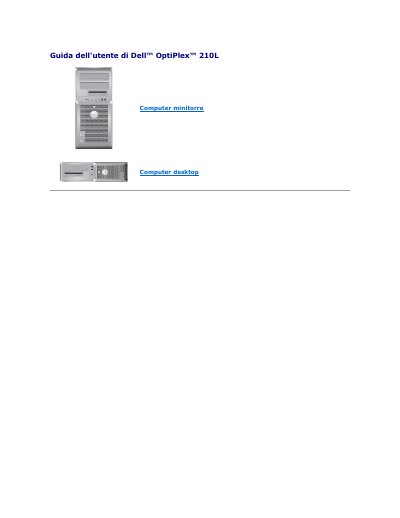
This is the user guide for the Dell OptiPlex 210L minitower and desktop computer. It describes advanced features including LegacySelect technology control, which lets administrators enable or disable connectors and support devices, and Dell OpenManage IT Assistant and Dell OpenManage Client Instrumentation for configuring, managing, and monitoring computers on a network.
The guide also covers security, with a lock ring and security cable slot for physical protection, and password protection, including how to assign, enter, delete, and modify the system password and the administrator password. This manual is written in Italian.
It lets administrators electronically enable or disable connectors and support devices such as serial and USB ports, a parallel connector, a floppy drive, PCI slots, and a PS/2 mouse. Changes take effect after restarting the system.
It is software that lets remote management programs such as IT Assistant access computer information, monitor computer status, and change the computer's state.
Use a padlock or a padlock with a security cable through the lock ring, or attach an aftermarket antitheft device to the security cable slot on the back of the computer.
A system password can use up to 32 characters.