
The Dell Latitude 3590 Quick Start Guide introduces the features and specifications of the product.
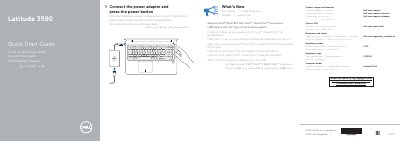
The Dell Latitude 3590 Quick Start Guide explains how to connect the power adapter and press the power button to start the computer. It also lists what is new in the system, including support for Intel 8th Gen Core i Quad Core processors and USB Type-C with full Dell Type-C docking support.
The guide identifies the computer model as Latitude 3590, regulatory model P75F, and regulatory type P75F001. A numbered features diagram lists the cameras, microphones, power button, security cable slot, display and network ports, card slots, touchpad, speakers, and status lights.
| Computer model | Latitude 3590 |
|---|---|
| Regulatory model | P75F |
| Regulatory type | P75F001 |
| Processor support | Intel latest 8th Gen Core i Quad Core processors |
| USB Type-C docking | Full Type-C Dell docking support |
| DisplayPort interface | USB 3.1 Gen 1 (Type-C) port/DisplayPort |
| USB port | USB 3.1 Gen 1 port with PowerShare |
Connect the power adapter and press the power button.
It supports Intel latest 8th Gen Core i Quad Core processors.
Yes, it includes USB Type-C with full Type-C Dell docking support.
It is combined with the battery-status light and is supported only on computers shipped with a hard drive.