
This guide describes how to use a Dell laptop.
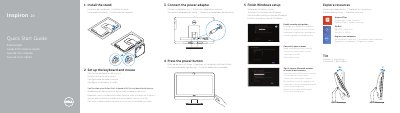
The Dell Inspiron 20 Model 3048 Quick Start Guide provides essential instructions for setting up the computer, including connecting the power adapter, completing Windows setup, and configuring the keyboard and mouse.
It details the hardware features of the device, such as the camera, various USB ports, HDMI and network ports, and the optical drive, while providing links to official Dell support and regulatory information.
| Input Voltage | 100 V AC–240 V AC |
|---|---|
| Frequency | 50 Hz–60 Hz |
| Output Voltage | 19.50 V DC |
| USB 3.0 Ports | 2 |
| USB 2.0 Ports | 4 |
Refer to the documentation that shipped with the keyboard and mouse.
The Express Service Code for the Inspiron 20 Model 3048 is Tilt.
The input voltage range for this computer is 100 V CA–240 V CA.