
The document provides instructions on how to use a Dell computer.
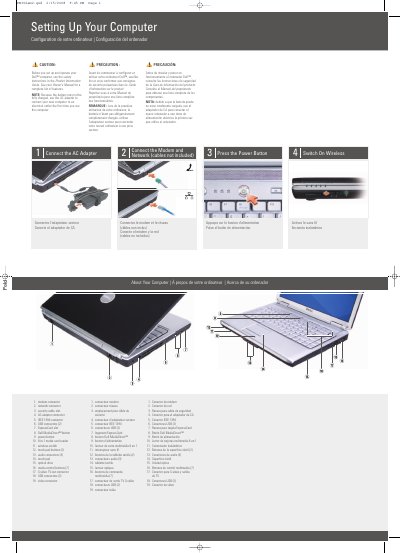
This manual helps you set up your Dell Inspiron 1420 by connecting the AC adapter, modem, and network cables. It includes instructions for powering on the device and enabling wireless connectivity. The guide also references the Owner's Manual for detailed features and troubleshooting.
The document is multilingual, providing setup instructions in English, French, and Spanish. It includes diagrams of ports and connectors for easy reference during setup.
You should use the AC adapter because the battery may not be fully charged.
You must see the safety instructions in the Product Information Guide.
You can find a complete list of features in your Owner's Manual.