
This document describes how to use a Dell computer.
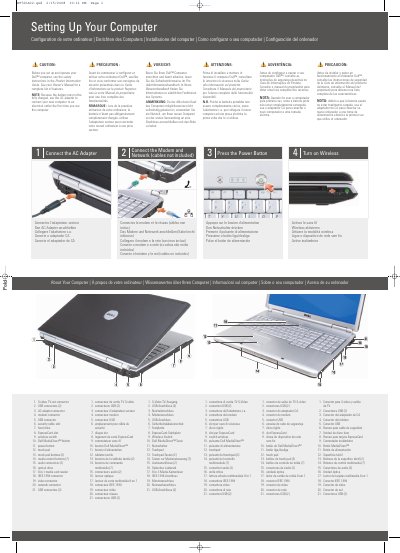
This quick start guide explains how to set up and begin using a Dell Inspiron laptop. It covers connecting the AC adapter, connecting a modem and network, pressing the power button, and turning on the wireless function.
The guide also identifies the computer's ports and controls, including USB, audio, video, network, modem, and IEEE 1394 connectors, an ExpressCard slot, an 8-in-1 media card reader, an optical drive, and the Dell MediaDirect button. It directs users to the Owner's Manual and support.dell.com for more information. This manual is written in Chinese.
| USB connectors | 5 total (2 on the right side, 3 on the left side) |
|---|---|
| Audio connectors | 2 |
| Media control buttons | 7 |
| Media card reader | 8-in-1 |
| Touch pad buttons | 2 |
| Document date | February 2008 |
Read and follow the safety instructions in the Product Information Guide before setting up and operating the computer.
Yes. Because the battery may not be fully charged, use the AC adapter to connect the new computer to an electrical outlet the first time it is used.
See the Owner's Manual for more information. If you do not have a printed copy, click the Documentation and Support icon on the desktop or go to support.dell.com.
The setup lists Internet service, a cable or DSL modem, a wireless router, a desktop computer with a network adapter (optional), and a portable computer with a wireless network card.