
Dell Inspiron 1 Computer Setup and Operation Guide

The document describes the steps to set up and operate a Dell computer, including connecting the AC adapter and turning on the power.
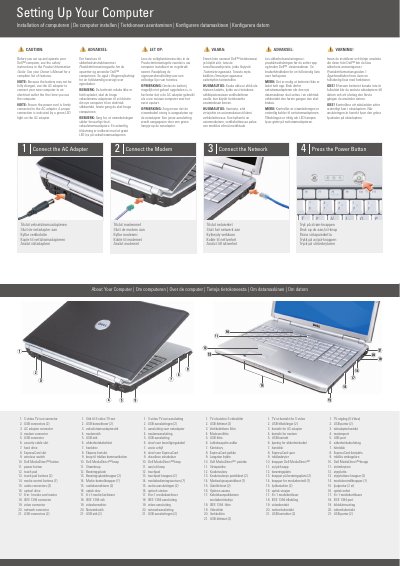

Dell Inspiron 1 Computer Setup and Operation Guide - cover page
Brand
DELL
Category
Desktops
Document type
User Manual
Language
English
Pages
2
File format
PDF
File size
302 KB
Published
25 November, 2023
Updated
25 November, 2023
MD5 checksum
3A9DF58D59FE9D46AE010E108A7FB839

About this manual

This document provides initial setup instructions for a Dell Inspiron 1 computer, including connecting the AC adapter and modem. It emphasizes safety precautions and notes that the battery may not be fully charged upon first use, requiring connection to an electrical outlet.

What's inside

  • Connect the AC Adapter
  • Connect the Modem
  • Connect the Network
  • Press the Power Button
  • About Your Computer
  • Wireless Network Setup

Frequently asked questions

What should I do the first time I use the new computer?

You must use the AC adapter to connect the computer to an electrical outlet because the battery may not be fully charged.

How can I tell if the power cord is connected properly?

A proper connection is indicated by a green LED light on the AC adapter.

Where can I find a complete list of features for this computer?

You should see your Owner's Manual for a complete list of features.

Download PDF (302 KB)

More DELL Manuals


View all DELL manuals →