
The Dell PowerConnect W-IAP108 and W-IAP109 are dual-radio, dual-band remote access points that support the IEEE 802.11n standard for high-performance WLAN.
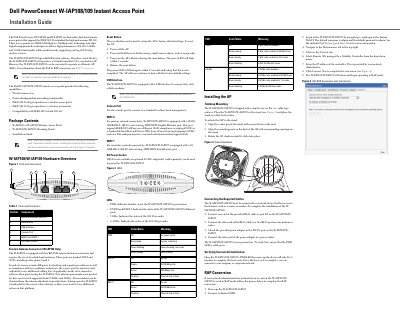
This guide explains how to install and configure the Dell W-IAP108 and W-IAP109 remote access points. It covers hardware overview, mounting, cabling, power, LED indicators, and RAP conversion. The devices support IEEE 802.11a/b/g/n and can operate as Virtual Controllers or Remote APs. Installation requires connecting to a network device and powering via PoE or AC adapter.
| Ethernet Port ENET 0 | 10/100/1000BASE-T (RJ-45) auto-sensing, MDI/MDX Gigabit Ethernet port |
|---|---|
| Ethernet Port ENET 1 | 10/100BASE-T (RJ-45) auto-sensing, MDI/MDX Fast Ethernet port |
| Power | 12 VDC power interface, supports powering through an AC-to-DC power adapter |
Power off the AP, press and hold the reset button with a small object, power on without releasing, release after the power LED flashes twice.
The default username is admin and the default password is admin.
Yes, it can be converted to operate as a Remote AP (RAP) using the Instant WebUI and a Mobility Controller IP address.