
Dell PowerConnect W-AP100 Series Access Point Installation Guide
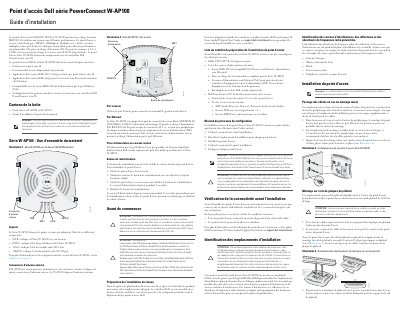
This installation guide covers the Dell PowerConnect W-AP100 series wireless access points, models W-AP104 and W-AP105. It describes the hardware overview, status LEDs, antenna connectors, console and Ethernet ports, power options, and factory reset procedure.
The document also provides a pre-installation checklist, connectivity verification steps, and instructions for wall and ceiling-rail mounting of the access points. This manual is written in French.
| Wireless standards | IEEE 802.11 a/b/g/n |
|---|---|
| Frequency bands | 2.4 GHz and 5 GHz |
| MIMO technology | Multiple-in, Multiple-out |
| Ethernet port | MDI/MDX 10/100/1000Base-T (RJ-45) |
| PoE standard | IEEE 802.3af |
| DC input voltage | 48 V DC |
| Power adapter input | 12 V, 1.25 A |
| Status LEDs | PWR, ENET, 11A/N, 11B/G/N |
| External antenna connectors (W-AP104) | 4 |
| Wall mounting screw spacing | 4.7 cm |
| Ceiling rail width | 38/40 cm |
| Minimum separation distance | 35 cm |
The guide covers the Dell PowerConnect W-AP104 and W-AP105 wireless access points in the W-AP100 series.
The W-AP104 is designed for use with external antennas and has four external antenna connectors, while the W-AP105 has internal antennas.
Power off the access point, hold the reset button with a thin object, power the unit on without releasing the button, and release it after the power LED blinks for 5 seconds.
The access point supports IEEE 802.3af PoE through the Ethernet port, or a separately sold Dell power adapter kit when PoE is not available.