
The Dell PowerConnect W-6000 Fan Tray (HW-FT) allows air to circulate in order to cool the W-6000M3 modules in the PowerConnect W-6000 controller and is required for proper operation.
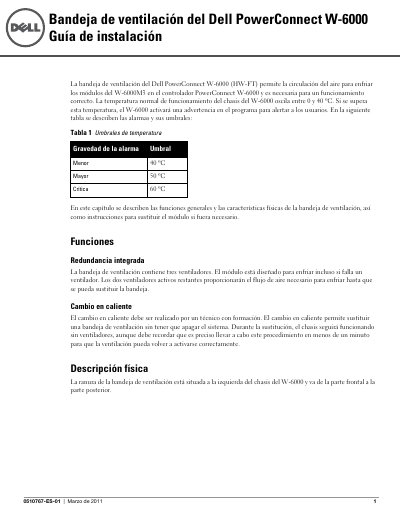
This guide describes the functions and physical characteristics of the Dell PowerConnect W-6000 fan tray (HW-FT), which circulates air to cool the W-6000M3 modules in the PowerConnect W-6000 controller. It covers the chassis operating temperature range, temperature alarm thresholds, built-in redundancy, and the physical location of the fan tray slot.
The document also provides step-by-step procedures for preparing, removing, and inserting a replacement fan tray, including hot-swap replacement by a trained technician, LED status interpretation, and safety precautions. This manual is written in Spanish.
| Fan tray model | HW-FT |
|---|---|
| Normal chassis operating temperature | 0 to 40 ºC |
| Minor alarm threshold | 40 ºC |
| Major alarm threshold | 50 ºC |
| Critical alarm threshold | 60 ºC |
| Number of fans | 3 |
| Hot-swap replacement time limit | Less than one minute |
| Fan tray slot location | Left side of the W-6000 chassis, front to back |
The normal chassis operating temperature is between 0 and 40 ºC. If this temperature is exceeded, the W-6000 activates a warning in the program.
The replacement must be completed in less than one minute so that ventilation can resume correctly. If the tray cannot be replaced within that time, shut down the controller.
One fan has failed, but the other two can cool the unit correctly until the failed fan tray is replaced.
Shut down the W-6000, replace the fan tray, and let the W-6000 cool for at least five minutes before turning it back on.