
Dell Inspiron 17/17R Notebook Quick Start Guide
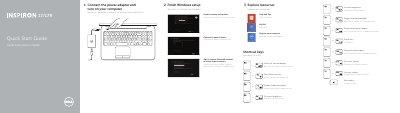
This Quick Start Guide covers initial setup for Dell Inspiron 3721, 5721, 3737, and 5737 notebooks. It describes connecting the power adapter, turning on the computer, finishing Windows setup, and accessing help resources such as My Dell, computer registration, security and updates, Microsoft account sign-in, and network connection.
The guide also lists keyboard shortcut keys and identifies the notebook features and ports, including the camera, microphone, power button, power-adapter port, HDMI port, network port, USB ports, headset port, touchpad, status lights, media-card reader, optical drive, and security-cable slot.
| Regulatory model and type | P17E P17E001/P17E002 |
|---|---|
| Computer model | Inspiron 3721/5721/3737/5737 |
| USB 3.0 ports | 2 |
| USB 2.0 ports | 2 |
| Document date | 2013-09 |
Connect the power adapter and turn on your computer.
Use the shortcut key listed for switching to an external display.
Support and manuals are available at dell.com/support and dell.com/support/manuals.
The regulatory model is P17E, with types P17E001 and P17E002.