
The Dell M5200/W5300 printer is a multi-function printer that can print, copy, scan, and fax. It supports a variety of paper sizes, including A4, letter, and envelopes. It also has a duplex printing feature, which can help you save paper.
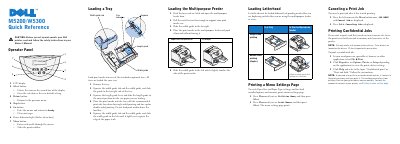
The Dell M5200/W5300 Quick Reference Guide provides essential instructions for operating the printer, including a detailed breakdown of the operator panel buttons and their functions.
It includes step-by-step procedures for loading print media into standard trays and the multipurpose feeder, as well as instructions for printing menu settings, canceling jobs, and managing confidential print jobs.
Press the left arrow on the Menu button once to display JOB MENU and Cancel Job, then press Select.
Remove the current print media from the specified tray and load the requested size or type, or press Select to print on the currently loaded media.
Press Menu until the Utilities Menu appears, press Select, then press Menu until Print Menus appears and press Select.