
Dell B5460dn Laser Printer User's Guide

The Dell B5460dn Laser Printer User's Guide describes the features and functions of the printer.
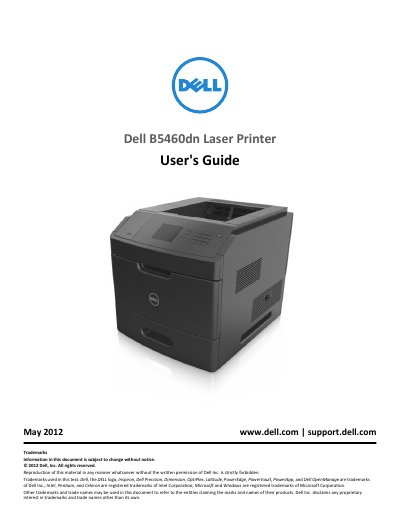

Dell B5460dn Laser Printer User's Guide - cover page
Brand
DELL
Category
Printer
Document type
User Manual
Language
English
Pages
233
File format
PDF
File size
11.5 MB
Published
25 November, 2023
Updated
25 November, 2023
Model
B5460dn
MD5 checksum
0B851BF70B3C8C038C35CFF3981CC144

About this manual

The Dell B5460dn Laser Printer User's Guide provides detailed instructions for the installation and operation of the B5460dn laser printer. It covers initial setup, including hardware options and software installation, as well as networking and paper handling.

The manual includes comprehensive sections on printing documents, managing printer settings via the control panel and menus, performing routine maintenance, and resolving paper jams or other technical issues.

What's inside

  • Safety information
  • Learning about the printer
  • Installing internal options
  • Loading paper and specialty media
  • Printing
  • Understanding printer menus
  • Saving money and the environment
  • Securing the printer
  • Maintaining the printer
  • Clearing jams

Specifications

WeightGreater than 18 kg (40 lb)

Frequently asked questions

How should I move the printer safely?

Turn off and unplug the printer, disconnect all cables, remove optional finishers and trays, and use the handholds on both sides to lift it.

What should I do if the printer is floor-mounted with high-capacity trays?

You must use either a printer stand or printer base to ensure stability.

Download PDF (11.5 MB)

More DELL Manuals


View all DELL manuals →