
The Dell™ BH200 Bluetooth® 2.0 EDR Stereo Headset is a stylish and comfortable headset that's perfect for use on the go. It features Bluetooth® 2.0 EDR technology for clear sound quality and a stable connection. The headset also has a built-in microphone so you can take calls hands-free.
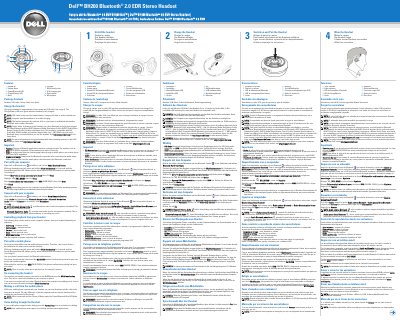
The Dell BH200 is a Bluetooth 2.0 EDR stereo headset designed for use with computers and mobile phones. It supports A2DP, AVRCP, Headset, and Hands-free profiles to enable music listening and voice calls.
The headset features integrated controls for volume, track navigation, and a multi-function key for playback and pairing. It is compatible with Dell Truemobile 350/355 models and systems shipped after January 1, 2007.
| Bluetooth Version | 2.0 EDR |
|---|---|
| Charging Time | Approximately 3 hours |
| Default Passkey | 0000 |
| Supported Profiles | A2DP, AVRCP, Headset and Hands-free |
With the headset turned off, press and hold the Multi-function key for 6 seconds until the Power/Bluetooth Blue LED flashes quickly.
The headset takes approximately 3 hours to charge using the USB cable.