
The Dell OptiPlex SFF 980 All-in-One Stand is a unique design that can integrate cable, system, and display management to adapt to your unique environment.
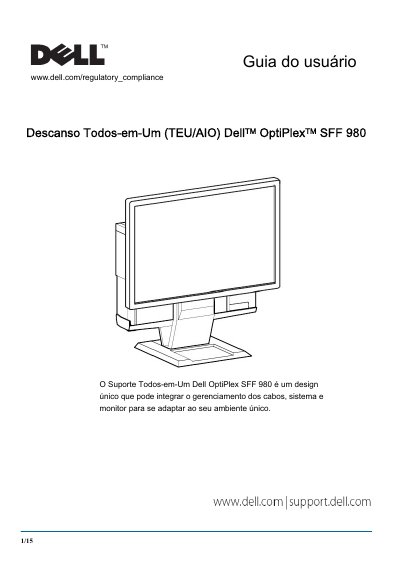
The Dell OptiPlex SFF 980 All-in-One Stand is a unique design intended to integrate cable management, the computer system, and the monitor to adapt to a user's environment.
This guide provides instructions on adjusting the stand, attaching the monitor and chassis, connecting cables, and utilizing security features like the Kensington lock. This manual is written in Portuguese.
| Height | 16.8 in (429 mm) |
|---|---|
| Depth | 10.1 in (255.6 mm) |
| Length | 16.9 in (430.2 mm) |
| Weight | 11.5 lbs (5.2 kg) |
| Operating Temperature | 32°F to 104°F (0°C to 40°C) |
| System Weight Capacity | ≤ 13 lbs (5.9 kg) |
| Monitor Weight Capacity | ≤ 10.1 lbs (4.6 kg) |
To reduce the risk of accidents or equipment damage, the stand must be placed on a level and stable surface.
The stand accepts a standard Kensington MicroSaver Slim.