
The Dell Wyse Cloud Client Wyse 3030 LT Quick Start Guide provides information on how to install and use the Dell Wyse Cloud Client Wyse 3030 LT.
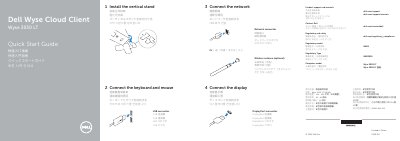
This Quick Start Guide covers the Dell Wyse 3030 LT cloud client device. It explains how to install the vertical stand and connect the network, display, keyboard, mouse, and power cables.
The guide also lists the device ports and components, including USB, DisplayPort, and network ports, and provides steps to turn on the device. Dell support contacts and regulatory information are included.
| Regulatory model | N06D |
|---|---|
| Regulatory type | N06D001 |
| Computer model | Wyse 3030 LT |
| Network port | 10/100/1000 Base-T |
| Power adapter input | +12V |
It is ready when the activity light goes off.
The computer model is Wyse 3030 LT.
Go to dell.com/support and dell.com/support/manuals.
The wireless antenna port is optional.