
The Dell Networking W-IAP103 Instant Access Point is a high-performance 802.11n wireless access point that supports MIMO technology and other high-throughput mode technologies to achieve efficient 802.11n 2.4 GHz or 5 GHz capability while supporting existing 802.11a/b/g wireless services.
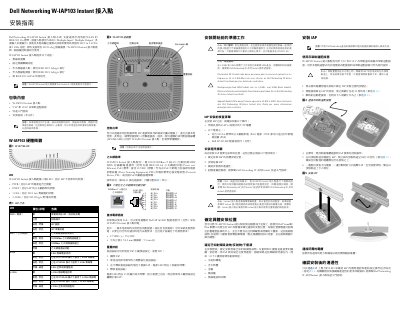
This document provides installation instructions for the Dell Networking W-IAP103 Instant Access Point (AP). The guide details the unboxing contents, physical specifications including LED indicators and ports, and the necessary power supply options. This manual is written in Chinese.
| Wireless Standards | IEEE 802.11a/b/g/n |
|---|---|
| Console Port | 4-pin serial connector |
| Ethernet Port | 10/100/1000Base-T |
| AC Adapter Input | 12 VDC (+/- 5%)/18W |
The device requires Dell Instant 4.1 or a higher version to function.
The LEDs indicate the status of power, Ethernet connection, and 2.4 GHz/5 GHz radio states.
Press and hold the reset button while powering on the device until the power LED flashes.