
Dell PowerEdge R210 System Hardware Owner's Manual

The Dell™ PowerEdge™ R210 System Hardware Owner's Manual provides information on how to set up, use, and maintain your Dell™ PowerEdge™ R210 system.
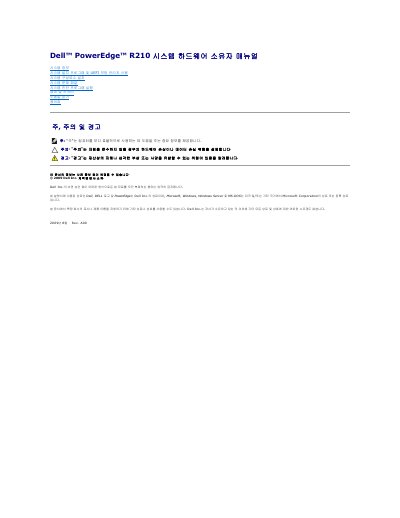

Dell PowerEdge R210 System Hardware Owner's Manual - cover page
Brand
DELL
Category
Servers Computer
Document type
User Manual
Language
Korean
Pages
63
File format
PDF
File size
1.6 MB
Published
25 November, 2023
Updated
25 November, 2023
Model
R210
MD5 checksum
EECD13B67C28BEFC80BE5473E1D890E9

About this manual

This document serves as the Hardware Owner's Manual for the Dell PowerEdge R210 system. It covers essential information for system setup, including how to access system functions during startup using specific key combinations. The guide details the features and indicators found on both the front and rear panels of the server. This manual is written in Korean.

What's inside

  • System Information
  • Accessing System Functions
  • Front Panel Features
  • Rear Panel Features
  • External Device Connection
  • NIC Indicator Codes
  • Diagnostic Indicator Codes
  • System Messages
  • Getting Help
  • Terms and Warnings

Specifications

Ethernet NIC Speed10/100/1000 Mbps

Frequently asked questions

What is the maximum data transfer speed supported by the built-in NIC connectors?

The built-in NIC connectors support a maximum speed of 1000Mbps.

Download PDF (1.6 MB)

More DELL Manuals


View all DELL manuals →