
The Dell Networking W-AP110 Series Access Point uses MIMO technology and other high-throughput mode technologies to achieve high-performance 802.11n 2.4 GHz and 5 GHz capabilities, while supporting existing 802.11a/b/g wireless services.
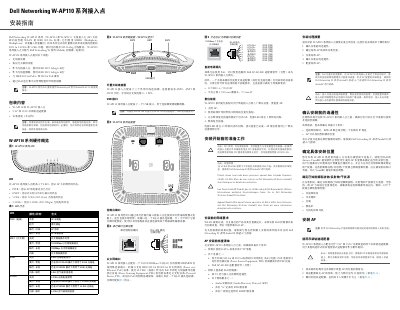
This Dell installation guide covers the W-AP110 Series wireless access points (W-AP114 and W-AP115). These APs support IEEE 802.11n and operate with IEEE 802.11a/b/g/n, and must be used with a Dell Networking W Series Mobility Controller.
The document lists package contents, describes the hardware overview and LED status indicators, and details the USB, console, Ethernet, and DC power ports. It also explains the reset button, pre-installation checks, site selection, and how to mount the AP using ceiling rail adapters. This manual is written in Chinese.
| Wireless standard | IEEE 802.11n (with 802.11a/b/g/n) |
|---|---|
| PoE support | IEEE 802.3at PoE+ and 802.3af PoE |
| Ethernet port | 10/100/1000Base-T (RJ-45) |
| DC power input | 12VDC (+/- 5%)/18W |
| DC connector | Center-positive 1.7/4.0 mm barrel plug, 9.5 mm long |
| Antenna connectors | 3 external (ANT0, ANT1, ANT2) |
| USB interface | 1 port for cellular modem |
| LED indicators | 4 (PWR, ENET, 5GHz, 2.4GHz) |
The package includes the W-AP114 or W-AP115 access point, 9/16\" and 15/16\" ceiling rail adapters, and the installation guide.
Power off the AP, press and hold the reset button with a narrow object while powering on, then release after the power LED flashes; the AP reboots using factory default settings.
It supports IEEE 802.3af and 802.3at Power over Ethernet and accepts 48VDC nominal from PoE power sourcing equipment.
No, the USB interface is disabled when the W-AP110 Series is powered through 802.3af PoE.