
The Dell Inspiron 660s desktop computer has a stylish design and powerful performance. It is equipped with an Intel Core i5 processor, 8GB of memory and a 1TB hard drive. It also has a DVD burner, card reader and multiple USB ports.
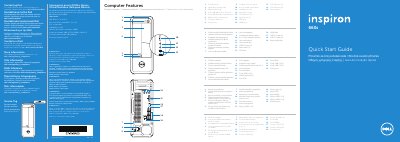
This Quick Start Guide for the Dell Inspiron 660s desktop computer describes the front panel, including the power button, hard-drive activity light, optical-drive bay, media-card reader, audio and USB ports, VGA and HDMI ports, and network port.
It also explains how to connect the keyboard, mouse, network cable, power cable, and display, and includes steps to complete Windows setup and enable security.
| Computer model | Inspiron 660s |
|---|---|
| Regulatory model | D06S |
| Input voltage | 100–127 V AC/200–240 V AC |
| Input frequency | 50 Hz/60 Hz |
| USB 3.0 ports | 2 |
| Media-card reader | 8-in-1 |
The computer model is Inspiron 660s.
The computer has two USB 3.0 ports.
Go to dell.com/ContactDell for sales, technical support, or customer service issues.