
This document describes the features and advanced options of Dell computers, and provides information on how to contact Dell for technical support and customer service.
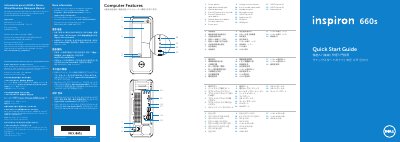
This guide helps you set up your Dell Inspiron 660s computer. Connect the power cable, keyboard, and mouse. Optionally, connect a network cable. Press the power button to turn on the computer. Locate and record your Service Tag and Windows password for future reference.
The front panel includes ports for headphones, microphone, USB 2.0 and 3.0, VGA, HDMI, and network connections. The guide also includes safety and regulatory information for Mexico and other regions.
The input voltage is 100-127 V CA/200-240 V CA.
The @ symbol should not be used in the password.