
Dell Display Manager is a Microsoft Windows application used to manage one or more monitors. It allows manual adjustment of the displayed image, assignment of automatic settings, power management, window organization, image rotation, and other features specific to Dell monitors.
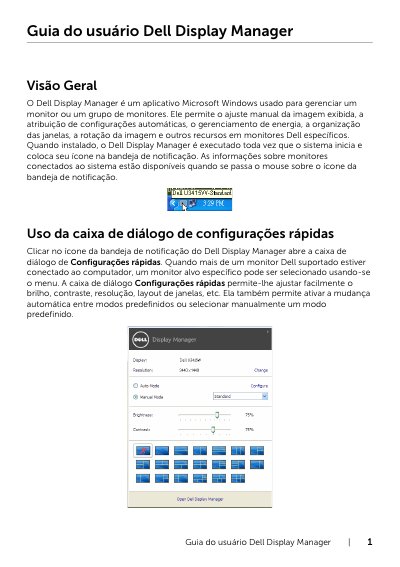
The Dell Display Manager is a Microsoft Windows application designed to manage one or a group of Dell monitors. It allows users to manually adjust the displayed image, assign automatic settings, manage power, organize windows, rotate images, and access other features specific to Dell monitors. Once installed, the application runs at system startup and places its icon in the notification tray. This manual is written in Portuguese.
It is used to manage a monitor or group of monitors, including adjusting image settings, assigning automatic settings, managing power, organizing windows, and rotating the image.
It runs every time the system starts and places its icon in the notification area.
You can adjust the brightness and contrast of the selected monitor directly in the Basic tab of the Quick Settings dialog.