
This document is a user guide for the HP LaserJet 3380 all-in-one printer, providing information on the features and hardware components of the product.
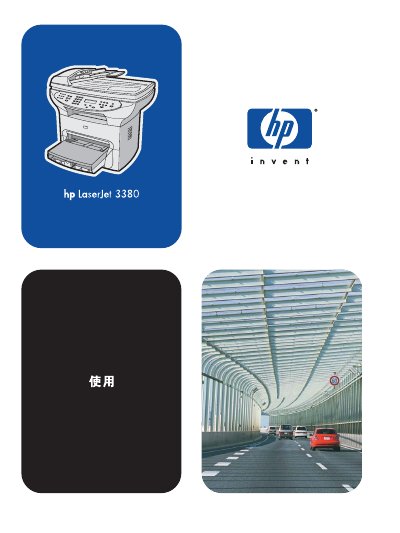
This manual introduces the HP LaserJet 3380 all‑in‑one printer, covering hardware identification, control‑panel functions, and supported software components. It explains how to load media, configure settings via the HP Toolbox or control panel, and perform basic tasks such as printing, copying, scanning, and faxing.
Detailed sections guide users through media specifications, cleaning and maintenance procedures, troubleshooting common errors, and ordering replacement parts. Appendices list technical specifications, regulatory information, and warranty details. This manual is written in Chinese.
| Print speed | 20 pages per minute, first page in 8 seconds |
|---|---|
| Paper handling | 50‑page ADF, 250‑page main tray, 10‑page priority tray |
| Memory | 32 MB RAM (9 MB system, 23 MB user) |
| Connectivity | USB 2.0 port and IEEE 1284‑B parallel port |
| Print resolution | Up to 1200 × 1200 dpi, PCL 6 and PostScript emulation |
| Fax capability | V.34 fax with phonebook, polling, delay fax and 4 MB flash storage |
| Scan resolution | 24‑bit color at 600 dpi (9600 dpi interpolated) |
It can print and copy up to 20 pages per minute, with the first page output in 8 seconds.
The printer includes 32 MB of RAM, of which 9 MB is used by the system and 23 MB is available to the user.