
This manual introduces the features and characteristics of the hp LaserJet 3020 all-in-one and hp LaserJet 3030 all-in-one, including print quality settings, supported operating systems, and print media specifications.
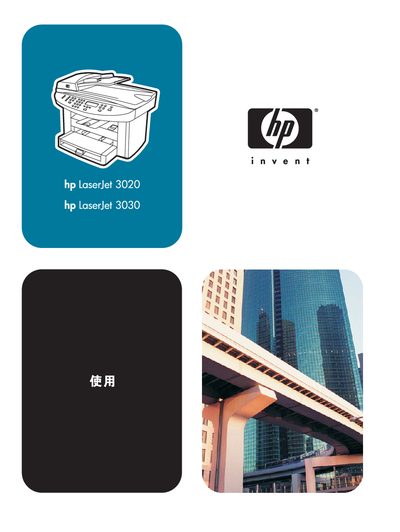
This manual introduces the HP LaserJet 3020 and 3030 all‑in‑one devices, describing their hardware components, control panel layout, and software utilities. It helps users identify the printer, scanner, copier and (for the 3030) fax functions, and explains how to install cartridges and load media.
Detailed sections cover supported operating systems, media specifications, and step‑by‑step procedures for printing, copying, scanning, and faxing. Troubleshooting guides, maintenance tips, and specifications are included to assist both everyday users and service technicians. This manual is written in Chinese.
| Print/Copy Speed | 15 pages per minute |
|---|---|
| Memory (RAM) | 32 MB total (23 MB usable) |
| USB Interface | USB 2.0 port |
| Parallel Interface | IEEE 1284‑B parallel port |
| Automatic Document Feeder (ADF) | 50‑sheet capacity |
| Paper Tray Capacity | 150 sheets |
The device can print or copy up to 15 pages per minute.
It includes 32 MB of RAM, of which 23 MB is available to the user.
The ADF can hold up to 50 sheets of paper.