
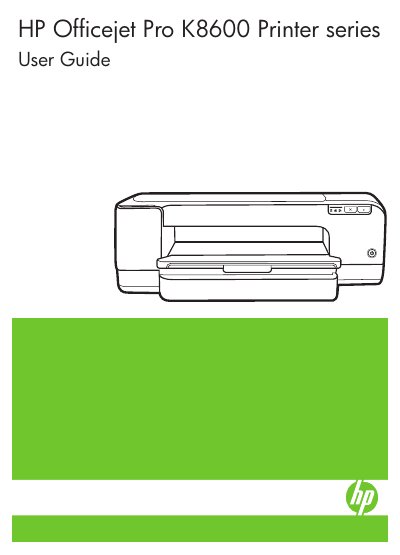
This is the user guide for the HP Officejet Pro K8600 printer series, published by Hewlett-Packard (edition 2, 3/2008). It provides details about how to use the device and to resolve problems.
The guide covers getting started and understanding device parts, installing accessories such as the duplexer, selecting and loading print media, changing print settings, and duplex and borderless printing. It also covers configuring and managing the device, maintaining printheads and ink cartridges, troubleshooting, control-panel lights, HP supplies and accessories, support and warranty, and device specifications and regulatory information.
No. There are no user-serviceable parts inside, so servicing should be referred to qualified service personnel.
It provides details about how to use the device and to resolve problems.
HP telephone support lists contact information, and this support is often free of charge during the warranty period.