
Inspiron 3252 Quick Start Guide.
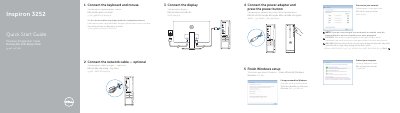
This Quick Start Guide helps users set up the Dell Inspiron 3252 computer. It covers connecting the keyboard, mouse, network cable, power adapter, and display, then finishing Windows setup, setting a password, connecting to a network, and protecting the computer.
The guide lists computer features including the optical drive, power button, hard-drive activity light, media-card reader, headset port, USB ports, audio ports, VGA port, HDMI port, power-adapter port, network port, and security-cable slot. Product support and manuals are available at dell.com/support, and the regulatory model is D14S.
| USB 3.0 ports | 2 |
|---|---|
| Audio ports | 3 |
| USB 2.0 ports | 4 |
| Computer model | Inspiron 3252 |
The computer has 2 USB 3.0 ports.
The computer has 4 USB 2.0 ports.
The computer model is Inspiron 3252.
Product support and manuals are available at dell.com/support and dell.com/support/manuals.