
The Dell Latitude 15 3000 Series Notebook Quick Start Guide
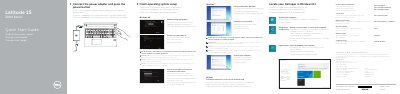
This document serves as a Quick Start Guide for the Dell Latitude 15 3000 Series notebook. It provides essential steps for initial setup, such as connecting the power adapter, finishing the operating system configuration, enabling security updates, and connecting to a network. The guide covers setup procedures for Windows 8.1, Ubuntu, and other supported environments.
Connect the power adapter and press the power button.
No, the power button has no LED indicator.
Yes, the fingerprint reader is optional.
The input voltage range is 100 V CA–240 V CA.