
The Dell Latitude 15 3000 Series Quick Start Guide provides information on how to set up and use your Dell Latitude 15 3000 Series laptop.
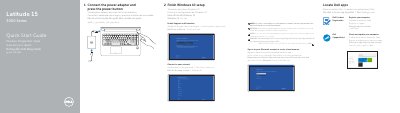
This quick start guide for the Dell Latitude 15 3000 Series (Latitude 15-3570) covers initial setup steps such as connecting the power adapter, completing Windows 10 setup, enabling support and protection, connecting to a network, signing in, locating Dell apps, product registration, and Dell SupportAssist.
It also identifies the laptop's features and controls, including the camera, microphone, power button, USB connectors, HDMI connector, network connector, battery, touchpad, and service-tag label, and provides product support, regulatory, and model information.
| USB 3.0 connectors | 2 |
|---|---|
| Fingerprint reader | Optional |
| Power button | No LED indicator |
| Computer model | Latitude 15-3570 |
Dell lists product support and manuals at Dell.com/support, Dell.com/support/manuals, and Dell.com/support/windows.
The computer model is Latitude 15-3570.
A fingerprint reader is optional.
It has two USB 3.0 connectors.