
The Dell Latitude 14 3000 Series Notebook Quick Start Guide
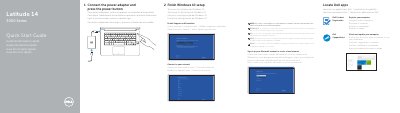
This guide helps you set up your Dell Latitude 14-3470 notebook by connecting the power adapter and completing Windows 10 setup. It also lists hardware features including camera, microphone, USB ports, HDMI, and battery status indicators. The guide includes multilingual instructions for connecting to networks and signing in to Microsoft or local accounts.
The device includes optional features like fingerprint reader and supports Dell Product Registration and SupportAssist for updates and support.
| Computer Model | Latitude 14-3470 |
|---|---|
| Regulatory Model | P63G |
| Regulatory Type | P63G001 |
Enter the wireless network access password when prompted.
Camera, microphone, power button, security-cable slot, VGA, USB 2.0, memory card reader, fingerprint reader (optional), battery-status light, hard-drive activity light, power-status light, speakers, touchpad, headset connector, USB 3.0 (2), HDMI, network connector, power connector, battery, battery release latch, and service-tag label.