
The document describes the steps to set up a Dell printer.
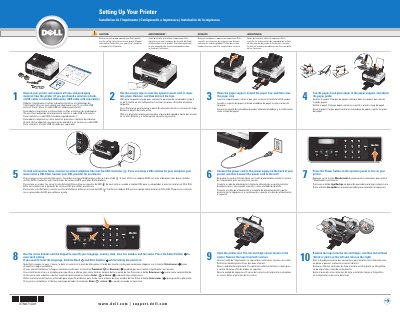
This Dell V505 printer setup guide provides initial installation instructions for the printer. It covers unpacking the unit, raising the operator panel, loading paper, connecting the power cord and telephone line, and turning on the printer.
The guide also explains how to install the black or photo and color ink cartridges, print an alignment page, and insert the Drivers and Utilities CD. Users can configure language, country, date, time, fax number, and fax name using the operator panel, then connect the printer to a computer with a USB cable.
A USB cable is included with wireless printers; otherwise it is sold separately.
Hold the Back and Start buttons while turning the power on.
Discard the alignment page after printing.
It is available on the Drivers and Utilities CD or on support.dell.com.