
The Dell PowerConnect ArubaOS 5.0 Quick Start Guide describes the initial setup of a user-centric network that consists of Dell PowerConnect controllers and Dell PowerConnect Access Points (APs).
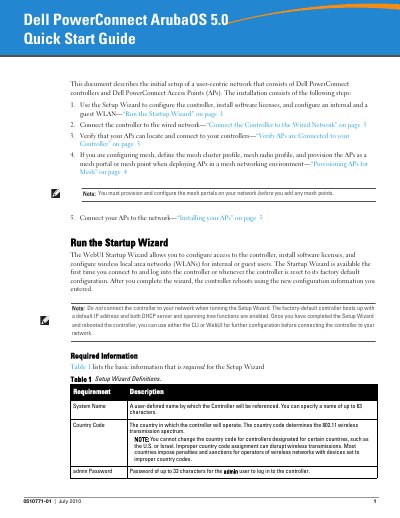
This guide describes the initial setup of a user-centric network consisting of Dell PowerConnect controllers and Dell PowerConnect Access Points. It walks through the Setup Wizard, wired network connection, AP verification, and AP installation.
The controller defaults to IP address 172.16.0.254 and can be configured through a web browser or serial port. The document also covers DHCP setup, controller discovery, and mesh AP provisioning.
| Default IP Address | 172.16.0.254 |
|---|---|
| System Name Max Length | 63 characters |
| Admin Password Max Length | 32 characters |
| Enable Mode Password Max Length | 15 characters |
| Baud Rate | 9600 |
The default IP address is 172.16.0.254.
Use 9600 baud, 8 data bits, no parity, 1 stop bit, and no flow control.
No, it cannot be changed for controllers designated for certain countries.