
The Dell Latitude 7389 Quick Start Guide provides instructions on how to connect the power adapter, finish Windows 10 setup, connect to a network, and sign in to your Microsoft account or create a local account.
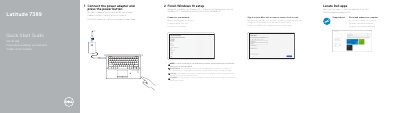
The Dell Latitude 7389 Quick Start Guide provides basic instructions for setting up the device, including connecting power, completing Windows 10 setup, and connecting to a network.
It also includes a detailed map of the laptop's hardware features, such as ports, cameras, and sensors, noting that some features are optional depending on the configuration.
| USB Ports | USB 3.1 Gen 1 |
|---|---|
| Video Output | HDMI and DisplayPort over USB Type-C |
Connect the power adapter and press the power button.
Enter the password for the wireless network access when prompted.