
This guide describes how to install and set up a Brocade 6510 switch in a single-switch configuration using EZSwitchSetup.
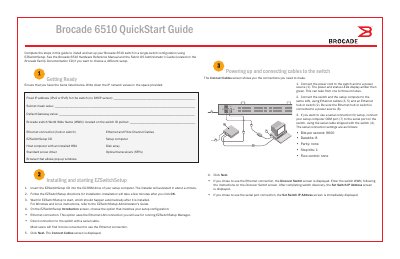
This Quick Start Guide explains how to install and set up the Brocade 6510 switch in a single-switch configuration using EZSwitchSetup. It lists required items such as fixed IP address values, Ethernet and Fibre Channel cables, the EZSwitchSetup CD, and optical transceivers.
Steps include powering up the switch, connecting Ethernet and serial cables, installing EZSwitchSetup, setting the switch IP address, creating an administrator password, and configuring zones and device connections.
| Serial connection bits per second | 9600 |
|---|---|
| Serial connection databits | 8 |
| Serial connection parity | none |
| Serial connection stop bits | 1 |
| Serial connection flow control | none |
The serial connection uses 9600 bits per second.
This can take from one to three minutes.
Typical Zoning is the default zone configuration.
See the Brocade 6510 Hardware Reference Manual and the Fabric OS Administrator’s Guide on the Brocade Family Documentation CD.