
Dell Wyse Cloud Client Wyse 5010 Quick Start Guide
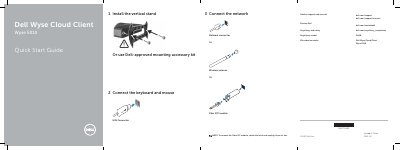
This guide helps you set up your Dell Wyse 5010 Cloud Client. Connect your keyboard, mouse, display, and power cable. Install the vertical stand if needed. Connect to network using Ethernet or fiber SFP. Turn on the device and wait for the activity light to turn off to confirm it’s ready.
The device features multiple ports including DisplayPort, DVI-I, VGA, USB 2.0, network, and headphone/microphone jack. It supports 10/100/1000 Base-T or SFP networking and includes a wireless antenna port (optional).
The client device model is Dell Wyse Cloud Client Wyse 5010.
The client device uses a +19V Power adapter input.
The client device is ready to use when the client device activity light goes off.