
This document is a quick start guide for Dell computers. It introduces how to set up and use a Dell computer.
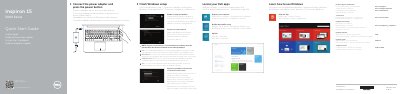
This guide helps you set up your Dell Inspiron 15 5000 Series laptop. Connect the power adapter, complete Windows setup, and register your computer. It also explains how to connect to your network and use shortcut keys for audio, volume, and display control.
The laptop features an Intel RealSense 3D camera (optional), USB 3.0 ports, HDMI, and a media card reader. It includes status indicators for power, battery, and hard drive. The guide covers basic operations like signing in to a Microsoft account or creating a local account, and managing security and updates.
The service tag label is labeled as Service Tag label.