
Dell Inspiron 24 5000 Series Ubuntu Quick Start Guide.
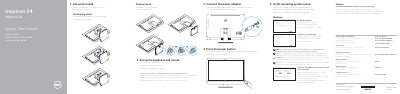
This quick start guide covers initial setup of the Dell Inspiron 24 5000 Series all-in-one computer, model Inspiron 24-5459. It shows stand installation, keyboard and mouse setup, power connection, power-on steps, and finishing operating system setup.
The guide also identifies the computer's ports and controls, lists Dell support and manual resources, and includes recovery media creation and Dell app location steps for Windows.
| USB 3.0 ports | 2 |
|---|---|
| USB 2.0 ports | 4 |
| HDMI ports | HDMI-in and HDMI-out |
| Media-card reader | Included |
| Optical drive | Optional |
| Power supply output | 19.50 V DC |
Follow the instructions on the screen to finish setup.
In Windows search, type Recovery, click Create a recovery media, and follow the instructions on the screen.
Visit Dell.com/support and Dell.com/support/manuals.