
Inspiron 15 3000 Series Quick Start Guide.
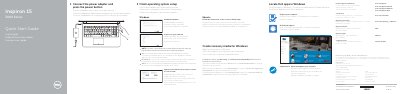
This quick start guide helps set up the Dell Inspiron 15 3000 Series laptop, including connecting the power adapter, finishing operating system setup, connecting to a network, signing in, enabling Dell updates, and creating recovery media.
It also identifies the computer's ports, buttons, lights, and shortcut keys, and provides product support, regulatory, and safety information. The guide is presented in English, Dutch, French, and Spanish.
| Input voltage | 100 V CA–240 V CA |
|---|---|
| Input current | 1.30 A/1.60 A/1.70 A |
| Output voltage | 19.50 V DC |
| Output current | 2.31 A/3.34 A |
| Frequency | 50 Hz–60 Hz |
| USB 3.0 port | 1 |
| USB 2.0 ports | 2 |
| HDMI port | 1 |
In Windows search, type Recovery, click Create a recovery media, and follow the instructions on the screen.
Visit Dell.com/support and Dell.com/support/manuals.
Enter the password for the wireless network access when prompted.
Inspiron 15-3552.