
Dell Latitude 14 3000 Series Quick Start Guide
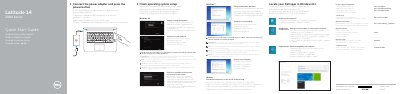
This guide shows the basic setup steps for the Dell Latitude 14 3000 Series, including connecting power, completing operating system setup, enabling security and updates, connecting to a network, and signing in.
It also identifies the laptop's external features and ports, such as the camera, USB connectors, HDMI connector, network connector, touchpad, battery, and optional fingerprint reader.
| USB 3.0 connectors | 2 |
|---|---|
| Fingerprint reader | Optional |
| Power button | No LED indicator |
See the Owner's Manual at dell.com/support/manuals.
It has 2 USB 3.0 connectors.
The fingerprint reader is optional.