
The Dell Vostro 3252 Quick Start Guide provides information on how to set up and use the Dell Vostro 3252 computer.
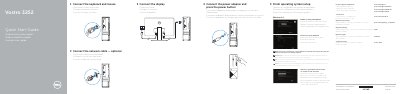
This document serves as a quick start guide for the Dell Vostro 3252 computer. It provides multilingual instructions (English, French, Italian, Spanish) for finishing the operating system setup, enabling security updates, connecting to a network, and signing into a Microsoft account. The guide also details how to connect peripherals like the keyboard, mouse, power adapter, and display.
| Regulatory model | D14S |
|---|---|
| Regulatory type | D14S001 |
Enter the password for the wireless network access when prompted.
Connect the display to the appropriate port on the computer.