
This guide describes how to use the Dell Inspiron 5000 Series notebook.
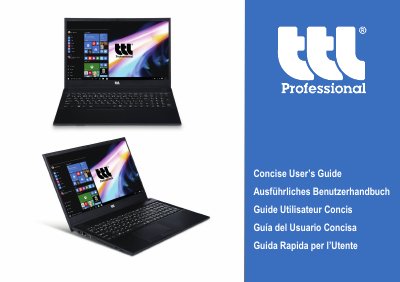
This guide covers system startup, Intel Optane setup, system views, LED indicators, keyboard and function keys, Windows 10 menus, audio and video features, power options, driver installation, wireless LAN, and Bluetooth modules. It is a supplement to the full user manual and includes safety and care instructions for the device.
The guide is multilingual, with sections in English, German, French, and Spanish, and includes detailed diagrams and step-by-step instructions for setup and troubleshooting.
Intel® Optane™ must be set up before installing Windows 10.
Do not exceed 130 degrees.
Choose the Shut down command in Windows.
Disconnect it from external power supplies, peripherals, and cables.