
Step‑by‑step instructions to verify if a PC has Intel Optane Memory using Windows Device Manager.
This guide explains how to determine whether a computer is equipped with Intel Optane Memory. It is intended for users who need a quick verification without installing additional software.
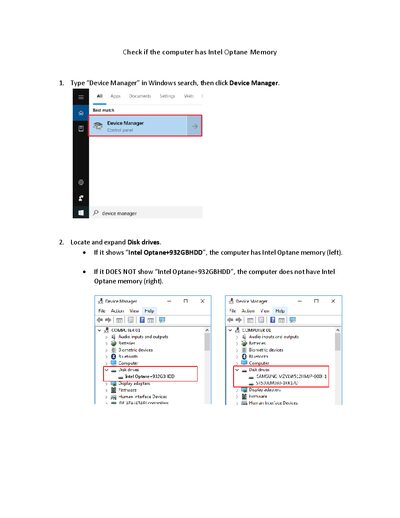
Open Device Manager, expand the Disk drives section, and look for the device name "Intel Optane+932GBHDD". If the name appears, the system has Intel Optane Memory; if it does not, the memory is not present.
Open Device Manager, expand Disk drives, and look for the entry "Intel Optane+932GBHDD".
The device name "Intel Optane+932GBHDD" appears under Disk drives in Device Manager.